Import SRT
Bring existing subtitle files into your project.
Features
Flixlar focuses on practical caption editing, local AI captions, and export — all local on your computer.



Digitally signed Windows and macOS installers included, with more features and tools planned based on your feedback.
CAPTION WORKFLOW
Bring existing subtitle files into your project.
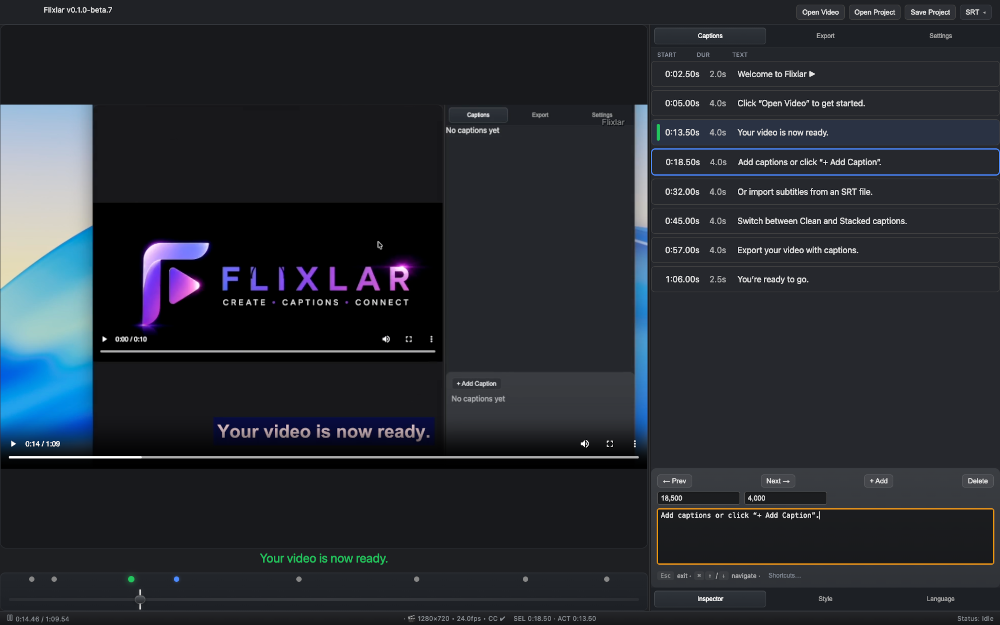
Create, edit, delete and navigate captions quickly.
See captions directly on the video while editing.
TIMELINE
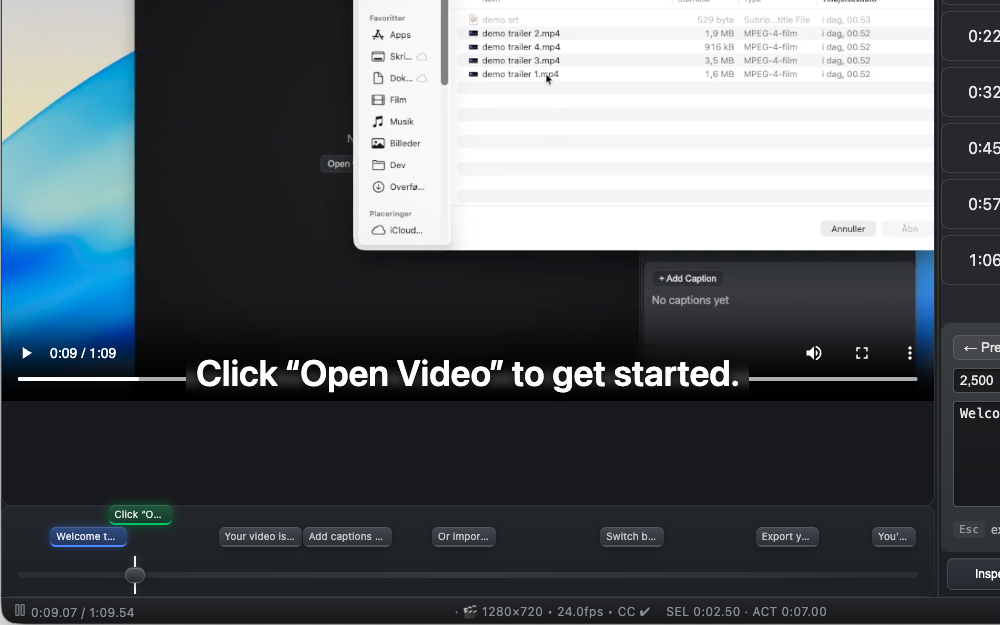
View captions as visual clips across the timeline.
Overlapping subtitles automatically organize into separate lanes.
Follow the currently active caption while previewing playback.
GET STARTED
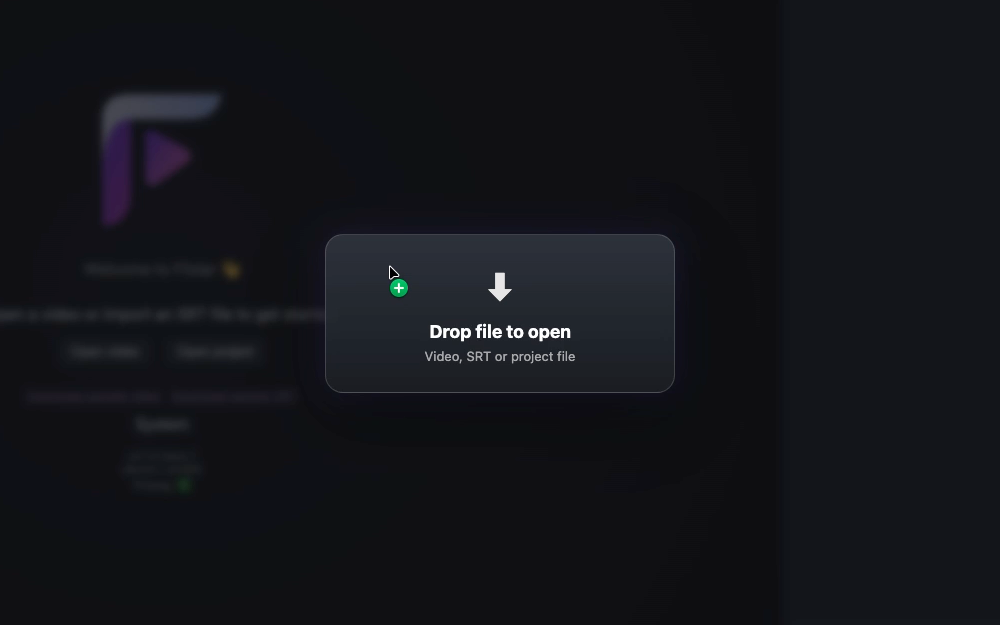
Drop videos, SRT files or project files directly into Flixlar.
Open supported files directly from your operating system.
Open MP4, MOV, WebM and other common video formats.
Import existing SRT subtitle files for editing.
Open previously saved Flixlar projects.
EXPORT
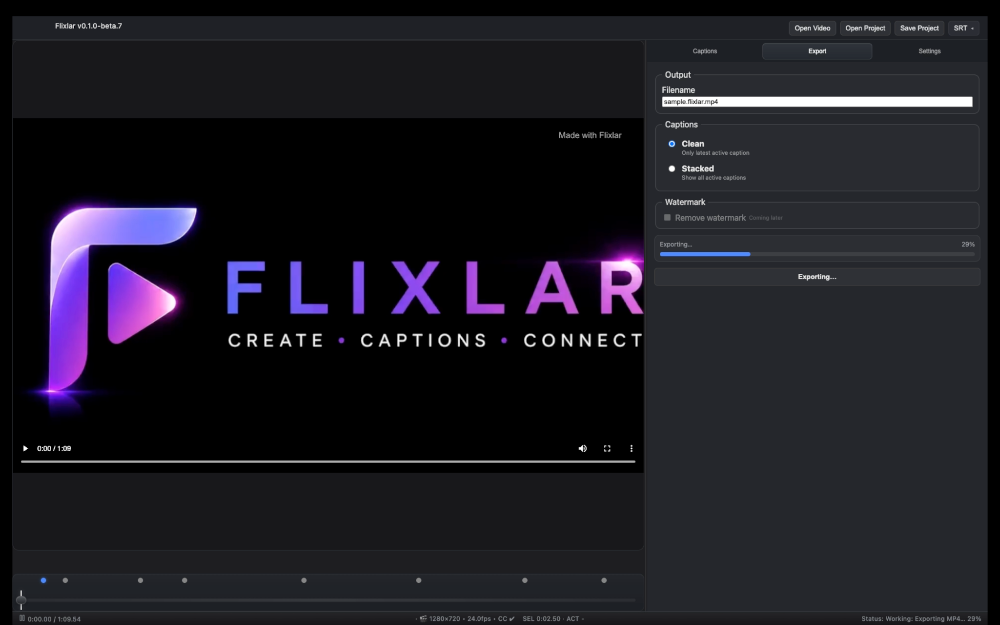
Render captions directly into the picture. This re-encodes the video — audio stays untouched.
Add one or more subtitle languages as a switchable track in MP4 or MKV. Video and audio are never re-encoded — only the subtitle stream itself is converted.
Send captions back out to other workflows.
Choose clean or stacked caption rendering.
LOCAL AI
Generate subtitles offline with a local speech-to-text model — no cloud, no upload.
Pick a tiny, base, or small model depending on speed vs. accuracy.
Transcription happens locally, using your own CPU/GPU.
Generated captions land in the same timeline you already edit in.
EFFECT EDITOR — BETA 1
An experimental addition alongside Flixlar's caption and subtitle tools.
Describe an effect in plain language and bring your own AI to generate the canvas code.
See the effect play over your video's waveform and duration before exporting anything.
Export as a PNG sequence or transparent WebM, or save it as a reusable project layer.
DESKTOP EXPERIENCE
Automatically detect matching subtitle files for videos.
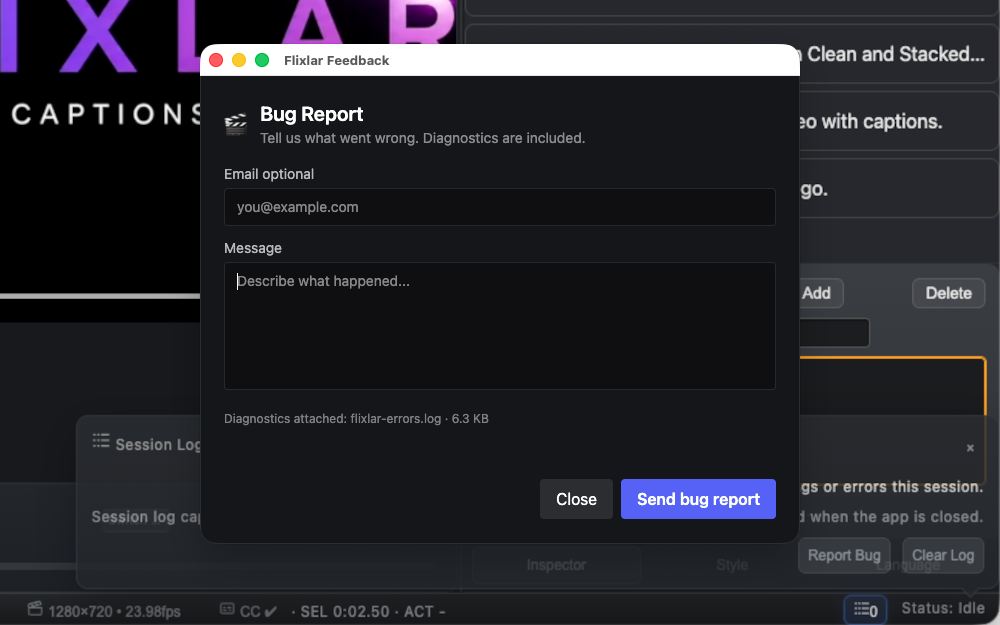
Built-in logging and diagnostics for troubleshooting and bug reports.
Available for Windows, macOS and Linux workflows.
PLANNED
Expanding Flixlar into a complete caption and video toolkit.
A better session log viewer with clearer, more readable diagnostics formatting.
Zoom and paging for long timelines, plus better HTML5 video compatibility handling.
Flixlar is planned as a small suite of practical video tools.