Guides
How to edit SRT files
Learn how to edit subtitle text, fix timing issues and save updated SRT subtitle files using Flixlar.
What is an SRT file?
An SRT file is a simple subtitle file format that stores captions as numbered blocks. Each block includes a start time, an end time and the subtitle text that should appear on screen.
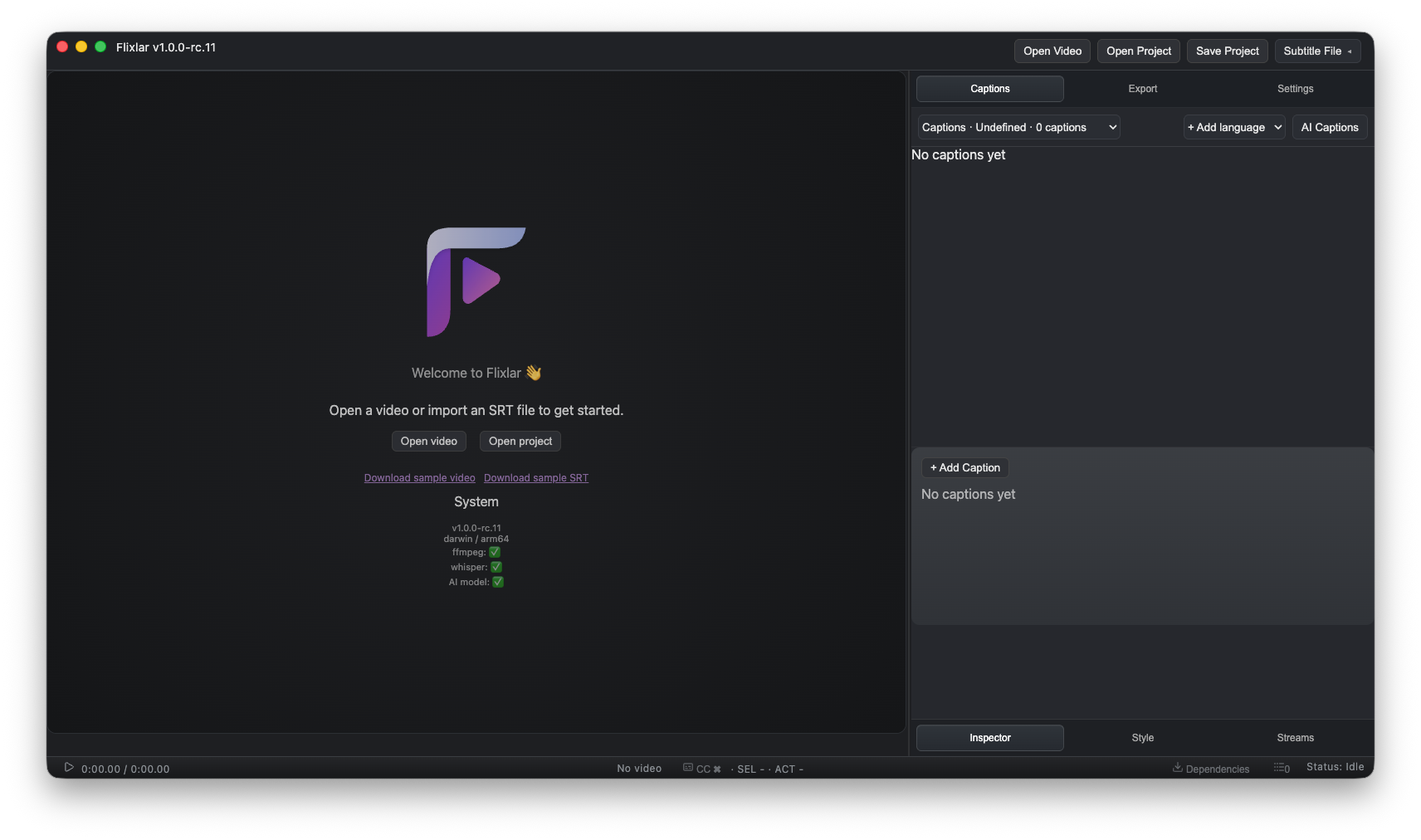
Step 1: Open Flixlar
Open Flixlar and load your subtitle file.
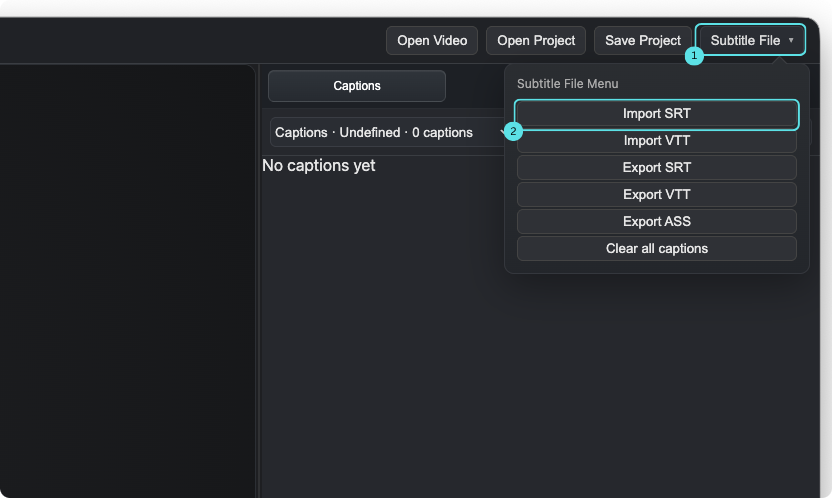
Step 2: Import your SRT file
Use the import option or drag and drop an SRT file into the app.
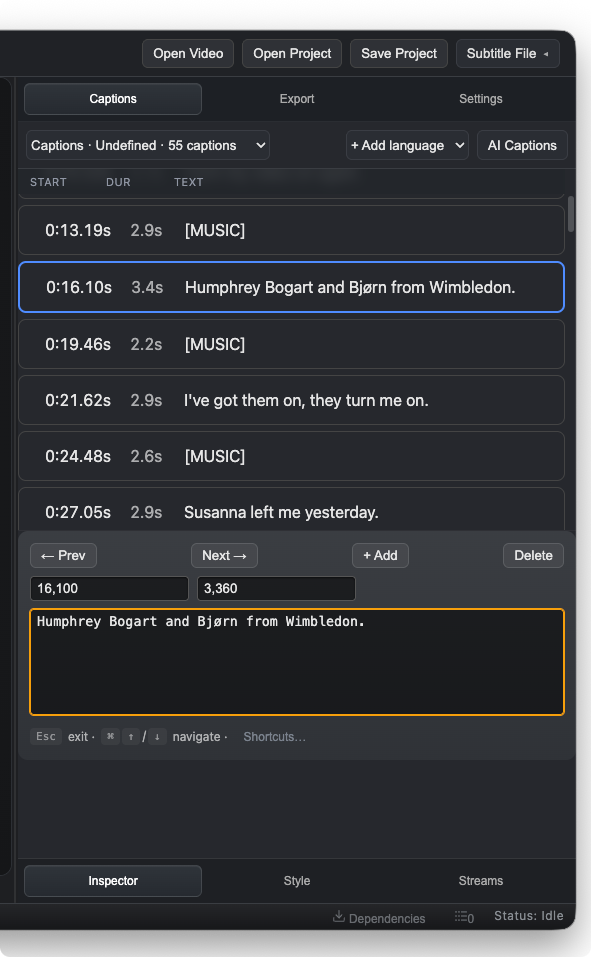
Step 3: Edit subtitle text
Update subtitle content, spelling mistakes and formatting.
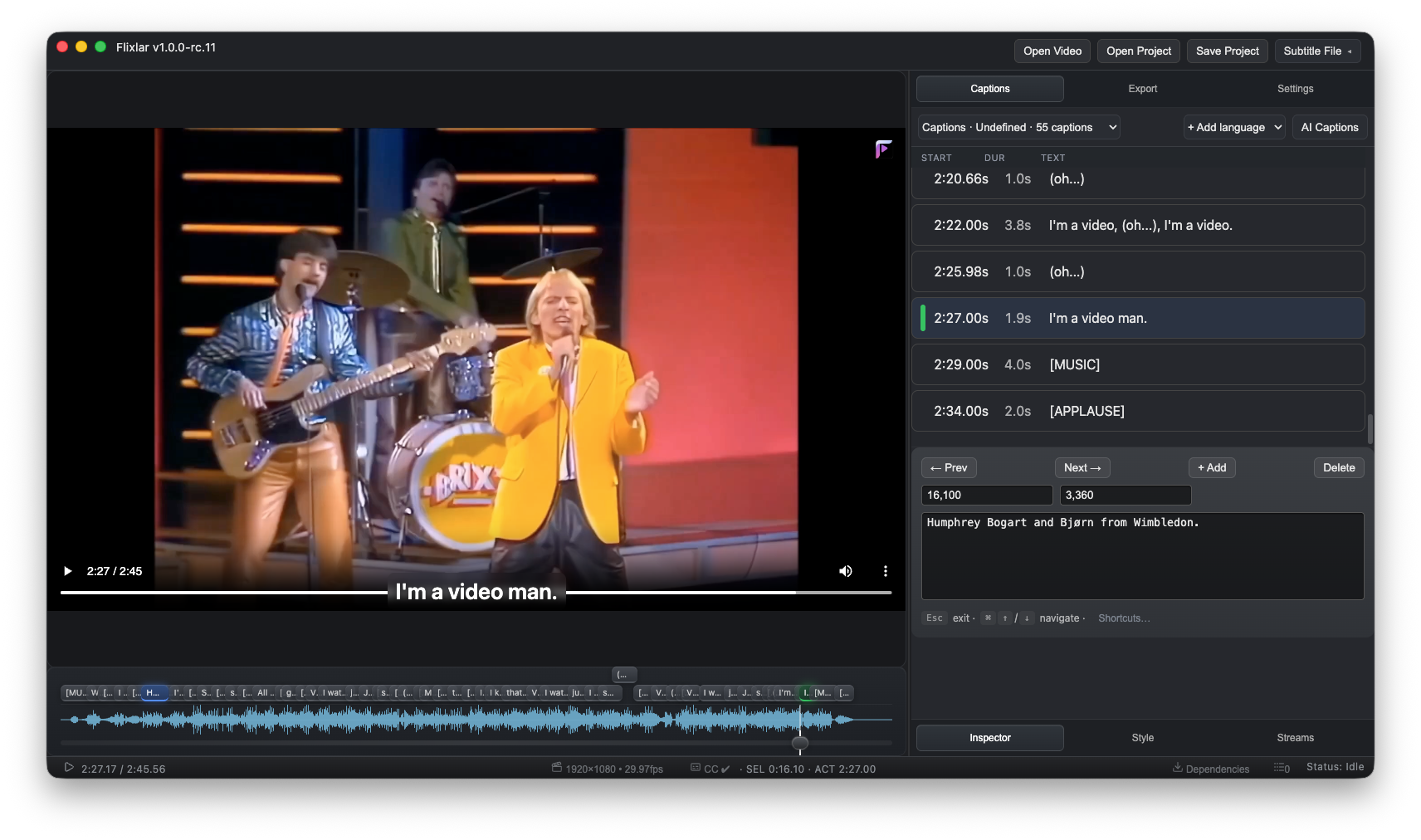
Step 4: Fix subtitle timing
Adjust subtitle timing so captions appear at the correct moment.
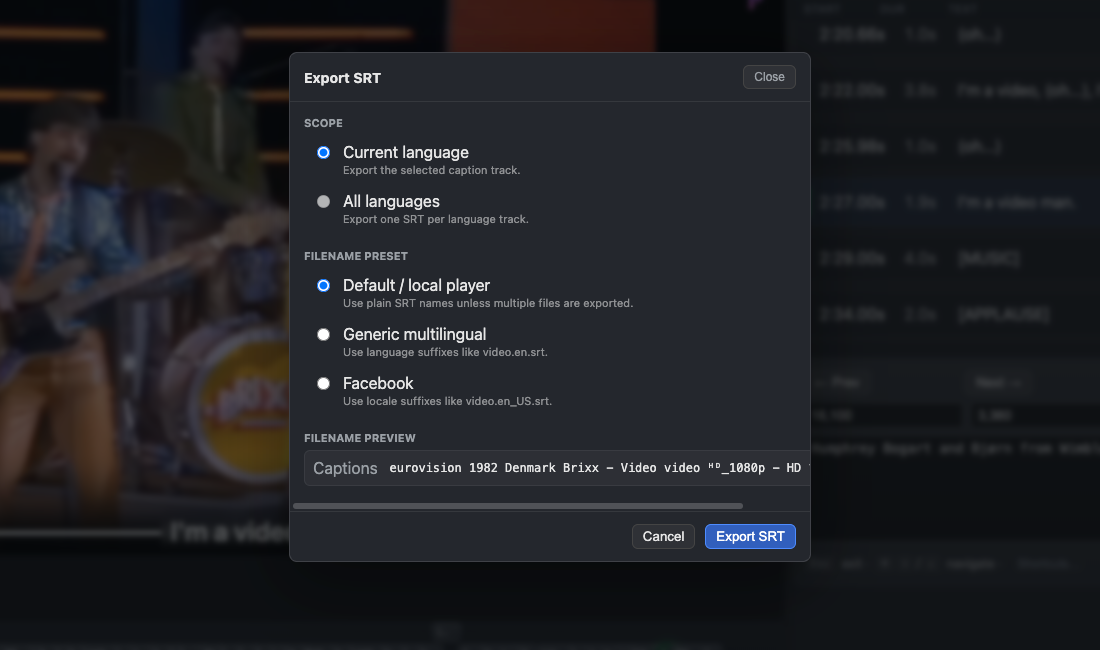
Step 5: Export the updated SRT file
Save the edited subtitle file as a new SRT.
Edit subtitles faster
Use Flixlar to edit SRT subtitle files, fix timing issues and export updated subtitles in seconds.